

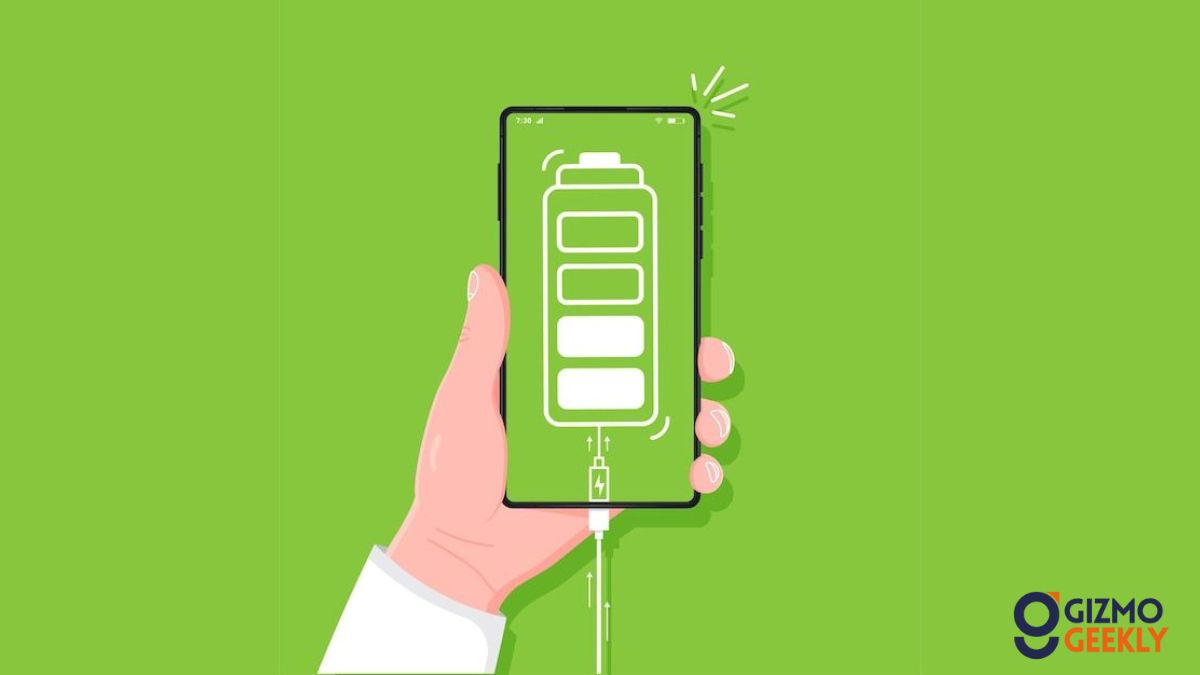
Charging issues are among the most common frustrations smartphone users face. If your phone isn’t charging properly, don’t panic—many fixes are simple and do-it-yourself. First, check your charging cable and adapter for visible damage. Frayed or broken cables and faulty adapters frequently cause charging problems. Try using a different charger and cable to rule out these hardware issues. Next, inspect your phone’s charging port. Dust, lint, or debris can accumulate over time, preventing a good connection. Use a toothpick or soft brush carefully to clean the port.
Sometimes charging problems stem from software glitches. Restart your phone and check for system updates—sometimes these fix bugs affecting charging. Battery calibration issues can also cause inaccurate charging readings; to recalibrate, drain your battery fully then charge it uninterrupted to 100%. If your phone still won’t charge, check your power source. Try different outlets or USB ports on a computer to isolate the problem.
Avoid using unofficial chargers, which might damage your battery. If none of these fixes work, the issue could be a faulty battery or internal hardware damage such as a damaged charging IC, requiring professional repair. Be wary of sudden shutdowns or overheating, indicators of battery failure. Regular maintenance and using quality accessories can help prevent charging problems, but if you do face persistent issues, visiting an authorized service center is the safest choice.