
Samsung launches browser for Windows with advanced AI features
Samsung Electronics has launched its Samsung Browser for Windows, enhancing cross-device browsing with new AI capabilities. The browser offers seamless transition from mobile to PC and introduces agentic AI for an improved user experience.

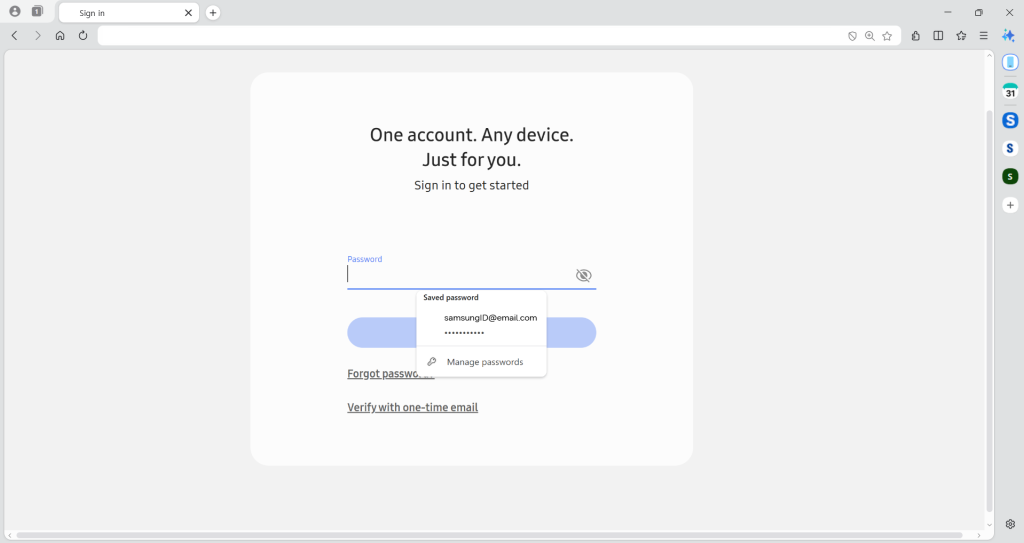
Samsung Electronics has officially launched its Samsung Browser for Windows, extending its widely used mobile browser experience to personal computers. This development aims to provide seamless browsing continuity across devices, coupled with innovative agentic AI capabilities that enhance user convenience and interaction.
Seamless browsing from mobile to PC
The Samsung Browser for Windows facilitates uninterrupted browsing, allowing users to transition smoothly between mobile devices and PCs. Beyond merely synchronizing bookmarks and browsing history, users can continue their online activities exactly where they left off. This feature ensures a cohesive browsing experience across different platforms.
For example, users can resume viewing the same webpage when switching from a mobile device to a PC, thereby enhancing the cross-device browsing experience. Additionally, the integration of Samsung Pass allows users to securely store personal information and effortlessly sign in to websites or autofill profiles.
Introducing agentic AI for an enhanced web experience
In collaboration with Perplexity, Samsung has introduced an AI-powered assistant within the Samsung Browser. This assistant brings agentic AI directly into the browsing experience, understanding natural language and the context of the pages users are viewing. This capability allows for more efficient content exploration and task execution without leaving the browser.
The browser’s intelligent content understanding provides tailored responses based on the specific context of the webpage. For instance, if a user is planning a trip to Seoul, they can ask the browser to create a travel itinerary based on the current page, with the browser generating a structured and customizable plan.
Additionally, the browser’s advanced natural language understanding allows users to search the web more quickly and efficiently. The AI can also comprehend video content context, enabling users to locate specific moments within a video and begin playback from that point.
Users can also search their browsing history using natural language to find specific pages without relying on keywords or dates. Furthermore, the browser can summarize and compare information across multiple tabs, offering quick insights from different sources in a single view.
Availability
Samsung Browser for Windows is available on devices running Windows 11 and Windows 10 (version 1809 and above). The agentic AI features are currently supported in South Korea and the United States, with plans to expand to additional markets. Users can find more information about Samsung Browser at browser.samsung.com.
To utilize these features, the latest version of Samsung Account is required, and the Samsung Continuity Service or Galaxy Connect app needs to be installed on the PC. Initially, the service is available on Galaxy Book3, 4, 5, and 6 series, with plans for wider device compatibility in the future.